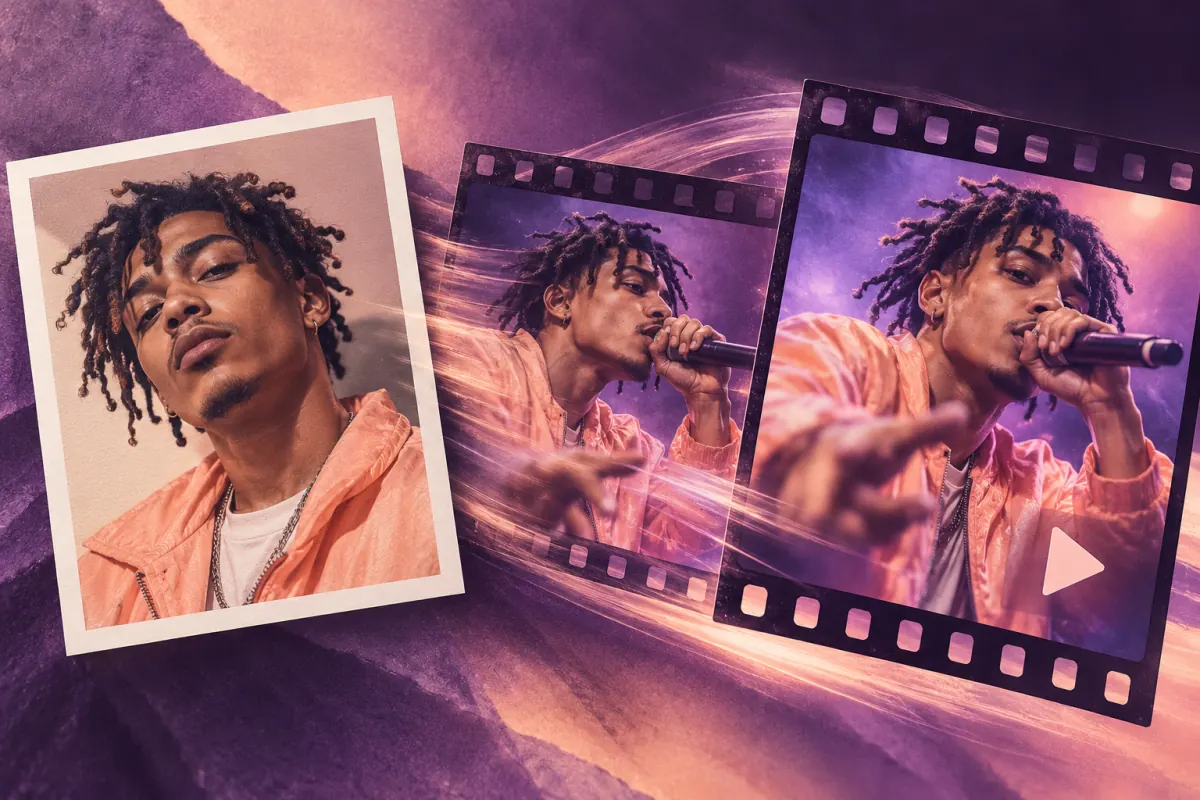
Photo to Video AI: Plan a Rap Video
Plan a photo to video AI rap project: choose a reference, write a scene and lyric brief, and review common visual problems before choosing a workflow.
Photo to video AI can turn a still-image reference into moving footage, but a rap project also needs words, a voice, and a performance plan. Start with one clear portrait, an idea or your own lyrics, and a simple scene brief. The three steps below explain how to prepare those inputs and review a result from a connected generation service.
TryRapVideo is in public beta. Signed-in users can submit photo-and-text or text-only rap video requests, follow their progress, and download completed videos from their private library. Starter, Creator and Pro subscriptions are available with monthly or annual billing through Stripe. Subscriptions renew automatically unless canceled. Credits are issued monthly after payment confirmation, including on annual plans. Manage billing and cancel renewal from account settings. Generation time and creative results vary. Review every completed video before sharing; example concepts are not guarantees of an identical result.
Use this guide to plan and assess a project. A photo supplies a visual reference, not a clone of the photographed person's voice, and the example briefs below are not measured output results.
Step 1: choose a reference photo that explains the subject
Begin with a clear portrait of one person
A front-facing, well-lit portrait makes a practical starting reference. Keep the face visible, avoid strong motion blur, and prefer an image where the eyes and mouth are not hidden by objects. Use a photo you have permission to upload and transform. For this workflow, begin with one adult rather than treating a group shot as an equivalent input.
Crop a separate working copy instead of changing your only original. Keep enough space around the head and shoulders for the composition you want. If you crop a hat, hand, or microphone at the edge, write down whether the final frame should include it rather than expecting the model to reconstruct it accurately.
Treat group photos as a different planning problem
Multiple faces create extra decisions: which person performs, where the camera goes, and whether the others should move. A generic prompt may not settle those decisions. If the person you want is small in the frame, look for a clearer individual reference or prepare a crop you can review at full size.
TryRapVideo accepts reference photos for generation, but multiple selected photos do not establish reliable group performances. Its current product guidance recommends starting with one adult. Do not promise that everyone in a group photo will sing, keep their identity, or appear in the finished shot.
| Photo check | A useful starting point | What to change before production |
|---|---|---|
| Face visibility | Unobstructed eyes and mouth | Choose a different reference if important features are hidden |
| Lighting | Enough detail across the face | Avoid expecting a dark silhouette to supply identity detail |
| Framing | Head and shoulders with breathing room | Keep a separate crop for each intended layout |
| Subject count | One clearly identified performer | Clarify the role of everyone else in a group |
| Permission | You can explain who supplied the image | Resolve permission before uploading it to a service |
Step 2: write the rap brief and the shot brief separately
Choose a personal idea or supply your own lyrics
For an idea-led draft, describe the person, occasion, and one recognizable detail. “A birthday rap for a friend who packs six snacks for a ten-minute walk” gives the writing a specific comic image. Decide whether the tone is affectionate or sharper before you generate alternate versions.
For a lyric-led draft, bring the actual words you want performed. Keep camera directions out of the lyric block. If you need help shaping the text, work through the rap verse template exercises first. A focused four-bar draft is easier to revise than an entire song with no central idea.
Make one clear visual request per shot
Use a brief with subject, setting, movement, and framing. “One performer in a warm recording booth, steady medium close-up, a small head nod, microphone beside the face” is easier to evaluate than a request containing five locations and multiple camera moves. The brief below is an example prompt, not a tested output.
Reference: one consenting adult in the attached portrait.
Scene: a warm recording booth, charcoal background, soft gold light.
Performance: a playful original English rap about overpacking snacks.
Movement: relaxed head nods and one small shoulder movement.
Framing: medium close-up, face visible, camera held steady.
Keep the microphone beside the face rather than covering the mouth.
Do not add other people, brand logos, or readable background text.
Give the lyric or topic its own field in tools that provide one. A tool may interpret a single combined prompt differently from a structured interface. Record exactly where you placed each instruction so you can reproduce the project instead of guessing which sentence caused a change.
- Clear portrait. One permitted reference.
- Rap and shot brief. Keep the fields separate.
- Review plan. Submit a short test and check the resulting performance.
Decide what you will measure before rendering
Choose a small set of checks: recognizable subject, visible mouth, stable framing, correct words, and appropriate tone. Also record the requested aspect ratio and clip length. Those are requests, not confirmed output capabilities. Check the current provider's documentation and the actual rendered file before describing them as supported.
The music video comparison worksheet separates provider claims from observed results. Use it if you are choosing a service for the production stage. An audio-reactive animation, a lip-synced portrait, and a lyric overlay should each get their own field rather than one broad “music video” tick.
Step 3: review the result before sharing
Inspect a short representative section first
When you use an available generation service, begin with a section that contains a clear facial view and a typical line of your rap. Keep the source photo, exact prompt, settings, and raw result together. Change one thing at a time when revising so you can tell what improved the output.
This is a suggested production routine, not a report of a TryRapVideo generation test. Sample concepts and interface settings are not evidence that a particular output will meet every requirement. Submit a short representative request and inspect its actual result before expanding the project.
Watch once for identity and once for performance
On the first pass, look at the face, accessories, and background continuity. On the second, listen to the words and check the mouth movement. Then play the clip with the sound off and again without watching it. Separating those checks helps you notice a plausible-looking clip with incorrect lyrics or a good vocal paired with distracting motion.
If you need readable words on screen, use a lyric editing workflow with an explicit correction pass. The three lyric video production methods explain the difference between caption timing and generating moving footage. Neither a beat-synced camera cut nor moving lips proves that captions are accurate.
Troubleshoot common problems without guessing at guarantees
The face changes between frames
Compare the output with your reference at the beginning, middle, and end of the shot. Note the exact moment where the identity becomes difficult to recognize. Try a clearer reference and a simpler shot in the next attempt, while keeping your evaluation criteria the same.
Avoid treating a face correction as proof that all future clips will preserve identity. Different prompts, movement, and models can change the result. Save both the successful and unsuccessful attempts so your eventual project notes reflect the actual work instead of a single selected frame.
The mouth movement does not match the recording
First verify that the chosen tool actually supports the kind of lip synchronization you need. Then check the audio version, the visible mouth, and the delivery speed. If the workflow does not offer audio-driven performance, adding “perfect lip sync” to a prompt does not establish that capability.
Keep the lyric sheet beside the recording during review. Names and rapid phrases deserve extra attention. If the service allows replacing the audio or retiming a section, record which change you made. If it does not, you may need a different production workflow rather than another description of the same request.
Hands or props look distracting
Use framing that does not require a complicated hand interaction when the gesture is not essential to the story. A steady head-and-shoulders performance can communicate the idea without juggling objects. Keep an important prop simple and visible rather than introducing several new objects in one prompt.
This is a way to simplify a scene, not a guaranteed repair. Review transitions and the final frame as well as the opening image. A prop can look convincing at the start and change when the camera or subject moves.
| Check | Focus | Action |
|---|---|---|
| IDENTITY | Beginning to end | Check continuity |
| PERFORMANCE | Words and mouth | Check the recording |
| FRAMING | Simple movements | Inspect hands and props |
Three project ideas with concrete briefs
A birthday shout-out built around one habit
Choose one affectionate detail, one short hook, and one location. For the friend who treats every walk as an expedition, use a backpack beside a simple performance setup. Keep the punchline recognizable to the recipient without publishing details they would prefer to keep private.
Make a private review copy before considering a public post. Ask whether the recipient likes the joke and the chosen image. This is a planning example, not a customer case study or a claim about the way any specific provider stores files.
Fan-made visuals for your own original verse
Build a character, a color palette, and a shot list around words you wrote. Use your own portrait or another permitted reference. You can draw inspiration from a genre without implying that a real musician appears in, endorses, or performs your project.
Keep a simple asset list showing where every photo, recording, and graphic came from. That makes later revisions easier and prevents a temporary reference from quietly becoming a published source asset. Review the actual provider's current usage terms before releasing the finished work.
A small business's original promotional character
Write a short concept around a real product detail, such as a bakery's early opening or a store's memorable packaging. Keep claims accurate and the lyric understandable without background context. Use a person who has agreed to appear, or develop an original fictional character.
Before buying a production plan, verify its commercial terms, export options, and the music permissions for your project. TryRapVideo's Starter, Creator and Pro subscriptions are available through Stripe with monthly or annual billing. A subscription does not by itself grant rights in another person's likeness, music, or other third-party material; review the Terms of Service, the generated video, and your permissions before promotional use.
Frequently asked questions
How do I turn a photo into a rap video?
Prepare a clear portrait, a short idea or lyric, and a simple shot brief. Choose a service that supports your intended workflow, submit a representative section, and review the result. TryRapVideo accepts photo-and-text or text-only rap requests; generation time and results vary.
What kind of photo should I use?
Start with a clear, front-facing photo of one adult whose image you have permission to use. Keep the face visible and preserve a clean original. Exact file limits and supported reference types depend on the chosen service and should be checked before upload.
Can I make a rap video with my own lyrics?
TryRapVideo accepts your English lyrics through Photo + Lyrics generation, with an optional photo. It does not accept an uploaded song recording in this workflow. Lyrics, your own audio, and a general text prompt are different input capabilities.
Will the voice sound like the person in the photo?
A photo does not establish voice cloning. TryRapVideo's current product guidance does not plan voice cloning. Check any other provider's actual voice options and do not describe an untested generated voice as a copy of the photographed person.
Prepare the portrait and the punchline
A clear reference and a personal detail give your rap concept a useful starting point. Open the photo-and-idea workspace, review the credit quote, and submit your rap video request when the brief is ready.
Author

Categories
More Posts
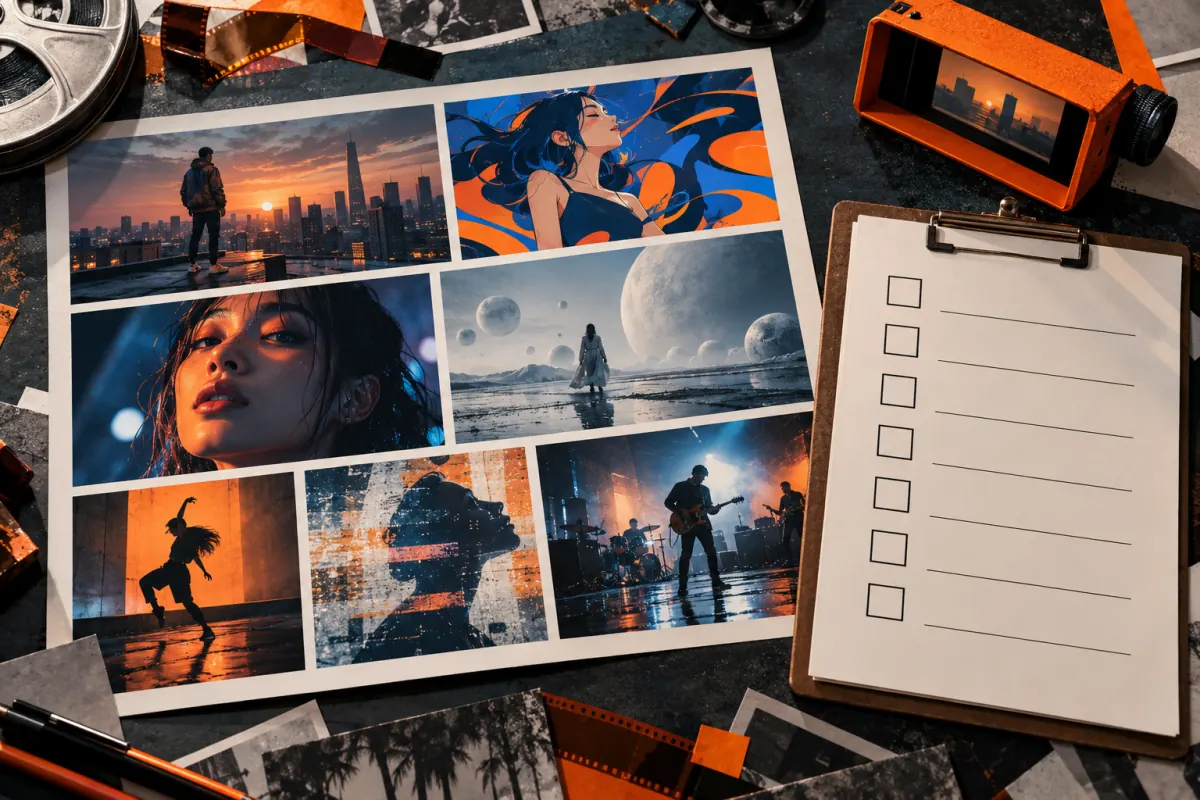
7 AI Music Video Generators Compared (2026)
Compare seven AI music video generator tools by audio input, lyric support, and published features, with a reusable checklist for your own song.
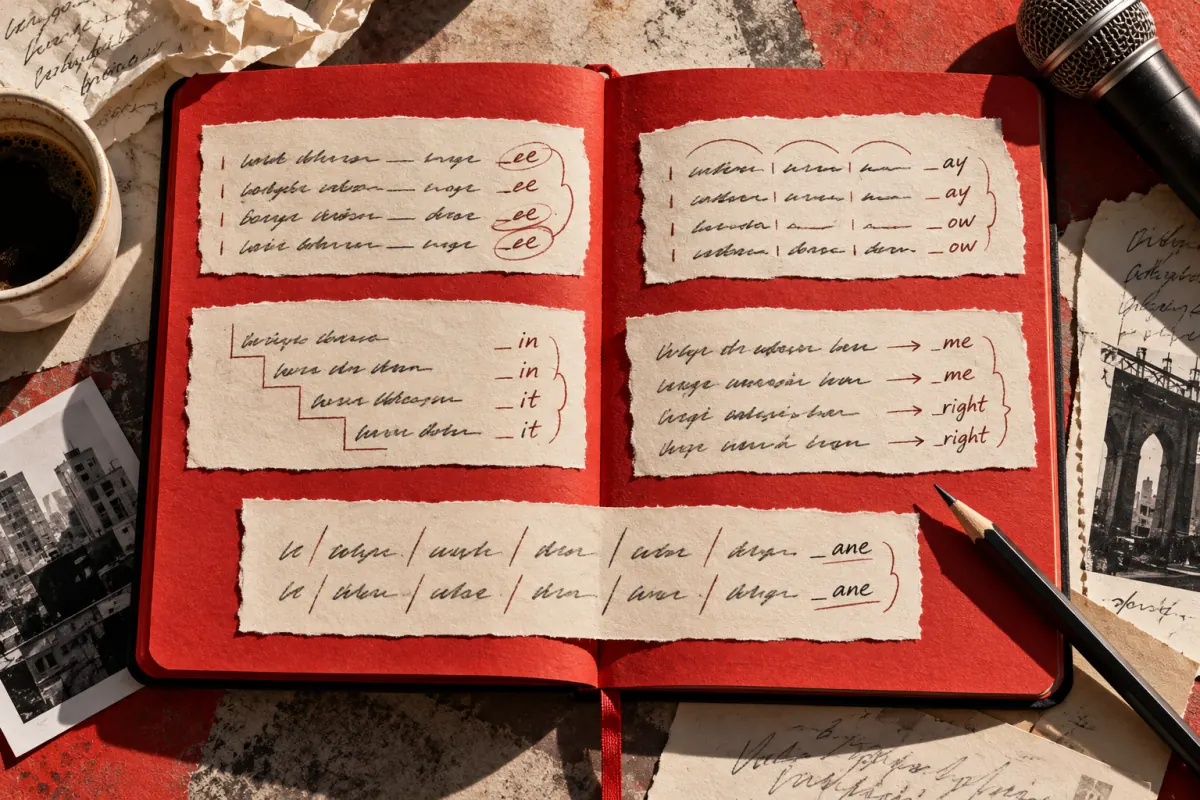
Rap Lyrics Generator: 5 Verse Templates
Use five rap lyrics generator templates to plan verses, improve rhyme and flow, write a hook, and prepare English lyrics for a photo-based rap video draft.
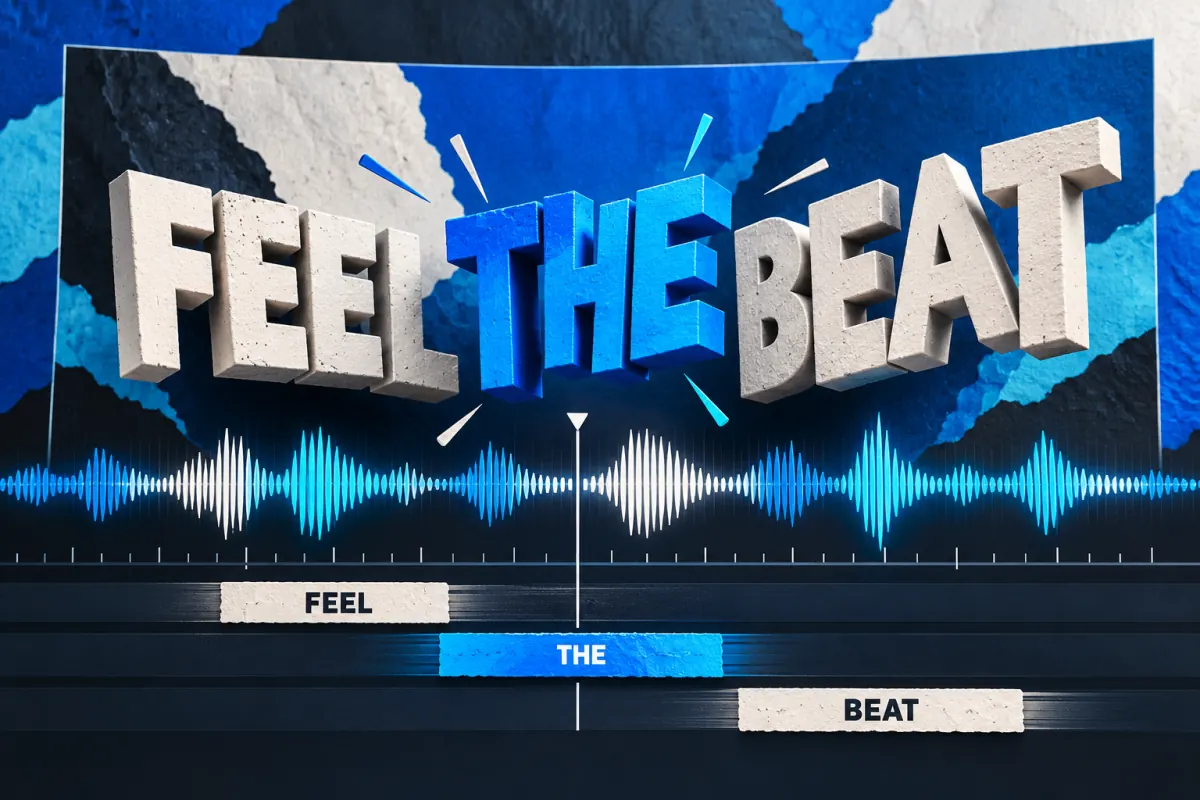
Lyric Video Generator: 3 Methods Compared
Compare three lyric video generator workflows: manual editing, templates, and AI assistance. Plan readable captions, timing checks, and video exports.
Newsletter
Join the community
Subscribe to our newsletter for the latest news and updates