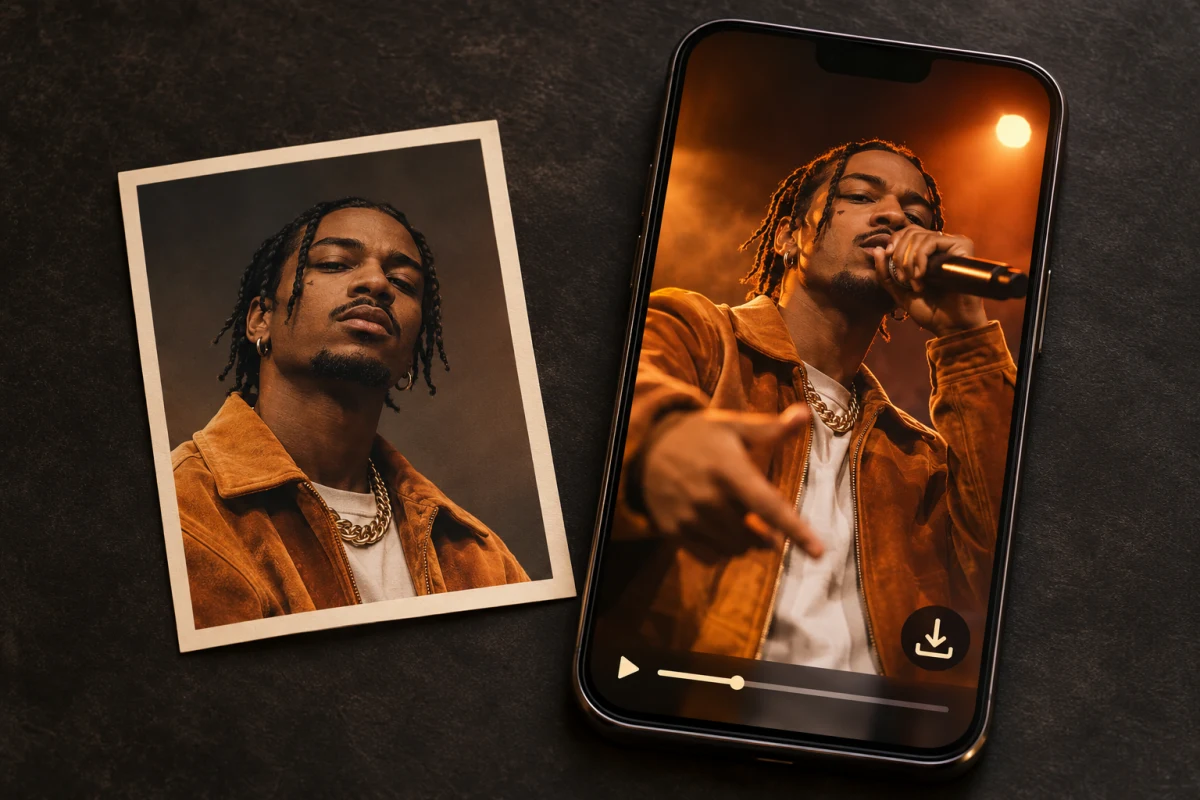
Best Free AI Rap Video Generators in 2026
Find out which AI rap video generators you can use for free. Compare sign-up credits, card requirements, clip length, watermarks, and video downloads.
Quick Answer
Yes, you can make and download a short AI rap video without paying. If you want an original rap from an idea or your own English lyrics, eligible new TryRapVideo accounts get 50 one-time credits after email verification. That covers a 5-second 480p clip with a watermark-free download. If you already have a recorded rap song, Freebeat AI lists 500 sign-up credits and short, watermarked MP4 exports. Neural Frames offers trial credits to explore storyboards or short animations. Higgsfield Rap God makes rap clips from a photo, but we could not verify a free generation for that effect.
TryRapVideo is the publisher of this guide. We reviewed official product pages and help docs on November 11, 2026. The comparison covers documented access and exports. It contains no head-to-head generation tests.
Free AI Rap Video Generators Compared
What you get at sign-up
| Tool | Credits and renewal | Account and card |
|---|---|---|
| TryRapVideo | 50 once for eligible users. No refill. | Account and email verification. No card. |
| Freebeat AI | 500 once on the free plan. Unused credits do not expire. | Account required. No card. |
| Neural Frames | Trial credits. Amount and renewal: Not verified. | Account required. No card to start. |
| Higgsfield Rap God | Free plan lists 0 credits. Free Rap God access: Not verified. | Account required. Card: Not verified. |
What you can render and take with you
| Tool | Free clip length and resolution | Download and watermark |
|---|---|---|
| TryRapVideo | 5 seconds at 480p with the welcome credits | Downloadable. No watermark. |
| Freebeat AI | Up to 30 seconds at 720p in the music-video workflow | Downloadable MP4 with a watermark. |
| Neural Frames | About 20 seconds on DreamShaper. Trial resolution: Not verified. | Download and watermark: Not verified. |
| Higgsfield Rap God | Not verified | Download: Not verified. Higgsfield watermarks free-account output. |
“Not verified” means the official materials we reviewed did not establish the detail for the relevant free workflow. The clip settings and export options shown in your project are worth checking before you spend credits.
Best Free AI Rap Video Tools
TryRapVideo
Choose Photo + Idea to have the tool write a short rap from a brief, or Photo + Lyrics to use English lines you already wrote. A portrait is optional in both modes. The generator supports 4–15 seconds and supplies AI rap vocals. It does not accept MP3 or WAV uploads for turning an existing song into a full music video. TryRapVideo FAQ
The welcome grant is a one-time 50 credits. At 5 seconds and 480p, the displayed cost should be 50 credits. A completed video is private by default and can be downloaded without a watermark. Longer clips and higher resolutions can cost more, so use the quote in the generator to check what your balance covers. Pricing · Download and account details
Freebeat AI
Use Freebeat when you already have an MP3 or WAV and want new visuals around the recording. Its official guides describe 500 non-renewing sign-up credits, a free music-video limit of 30 seconds at 720p, and MP4 downloads with a watermark. Check that you can open the editor from your location. For a short social clip, select the hook or a section with a distinct beat change, choose 9:16, and check the quote for the model and mode before rendering. Budget separately for a full song or a clean export. Free plan and limits · Sign-up and MP4 export
Neural Frames
If you have a recording and want to plan the visuals before committing to the full render, Neural Frames is an option. Autopilot starts with a song upload and lets you review a storyboard. Its help center describes the trial in terms of what the credits can cover: a few storyboards or roughly 20 seconds in DreamShaper. Check the export screen before using the trial for a deadline that requires a downloadable file. Trial credits · Music video sign-up and workflow
Higgsfield Rap God
Rap God accepts a PNG or JPG portrait and supplies its own lyrics and beat. The app displays a credit charge and Higgsfield lists zero credits on its standard Free plan. We found no official confirmation that the Rap God effect is included as a free generation. If your account shows a promotion, check that it applies to this effect before relying on it. Rap God app · Free plan details · Watermark policy
How to Make a Free AI Rap Video
- Open the TryRapVideo generator, create an account, and verify your email. Check that the 50-credit welcome grant appears.
- Choose Photo + Idea and write a one-sentence brief, or use Photo + Lyrics and paste a short English line or couplet. Add a clear portrait if you have permission to use it.
- Set 480p and 5 seconds. Choose 9:16 for a vertical clip and confirm the button shows 50 credits before you generate. The default settings may show a higher quote.
- Play the completed clip and check the vocal delivery and framing. Use Download on the result or find the video in My Videos.
A real example from the generator
Mic Check is a published TryRapVideo example about thinking of a comeback three days late. Play it to see how much of a story fits into a short recording-booth scene. This gallery clip is six seconds at 720p. The welcome-credit settings in the steps above produce a 480p clip.
Free Credits vs Free Plans
- Welcome credits are a one-time balance. Compare the cost of the clip you need with that balance. A second successful render may require paid credits.
- A free plan can stay available after you spend the initial credits. Check whether it gives you a new allowance, lets you keep unused credits, or limits you to drafts and previews once the balance runs out.
- A trial lets you try specified features, often with a small credit balance or time limit. A playable preview or storyboard may have different access rules from a downloadable file.
- A paid subscription bills on a recurring schedule. Check when credits are issued, when they expire, and whether the plan includes the export resolution you need.
Which Free Tool Should You Choose?
| What you have | Where to start | What to check first |
|---|---|---|
| A portrait and a rap idea | TryRapVideo with Photo + Idea | Keep the brief to one joke, shout-out, or hook. |
| Your own English lyrics | TryRapVideo with Photo + Lyrics | Read your lines aloud and trim them to fit a five-second performance. |
| A recorded rap song | Freebeat for a short export, or Neural Frames to explore a storyboard | Confirm the recording stays in the output and check the free export limits. |
| A vertical social teaser | Freebeat for a hook from an existing song. TryRapVideo for a short original performance. | Choose 9:16 up front and check how the watermark and resolution will look on a phone. |
FAQ
Can I make an AI rap video without paying or entering a card?
Yes. Eligible TryRapVideo users can use the email-verification grant for a 5-second 480p video. Freebeat also advertises no-card sign-up credits for short music videos. Both workflows require an account.
Can I download a free rap video without a watermark?
TryRapVideo offers watermark-free downloads for completed videos, including a clip made with the welcome grant. Freebeat's documented free music-video exports carry a watermark. For any other tool, check the export terms for your specific plan and mode.
Do free credits come back after I use them?
TryRapVideo's welcome grant and Freebeat's sign-up credits do not refill. If you want to generate regularly, check the renewal schedule before choosing a plan.
Can I turn a whole recorded rap song into a free music video?
The verified Freebeat offer covers a short excerpt, and Neural Frames documents its trial for storyboards or short tests. If you need a complete downloadable music video, check the render and export cost for your track's full duration. Our broader AI rap video generator comparison covers full-song workflows.
Conclusion
For a short, downloadable original rap, try the TryRapVideo generator with the 5-second 480p settings if you qualify for the welcome credits. If your track is already recorded, try a short Freebeat export to see how the visuals follow your hook. Use the photo-to-rap tutorial if you need help choosing a portrait or writing your first brief.
Author

Categories
More Posts
How to Turn a Photo into an AI Rap Video
Turn a photo into an AI rap video with TryRapVideo. Upload a portrait, add an idea or your own English lyrics, choose video settings, and review the result.
Best AI Rap Video Generators in 2026: 6 Tools Compared
Compare six AI rap video generators by input, free access, and limits. Find a tool for photos, English lyrics, social clips, or a full music video from your song.
7 AI Music Video Generators Compared (2026)
Compare seven AI music video generator tools by audio input, lyric support, and published features, with a reusable checklist for your own song.
Newsletter
Join the community
Subscribe to our newsletter for the latest news and updates